HOW-TO PYLO
See exactly how your team would use PYLO
Each video follows one job from start to finish in a demo workspace, the same screens your closers and setters would use. No sign up needed to watch.
Sales team
The daily work of a closer or setter: forms, calls, the end of day and your numbers.
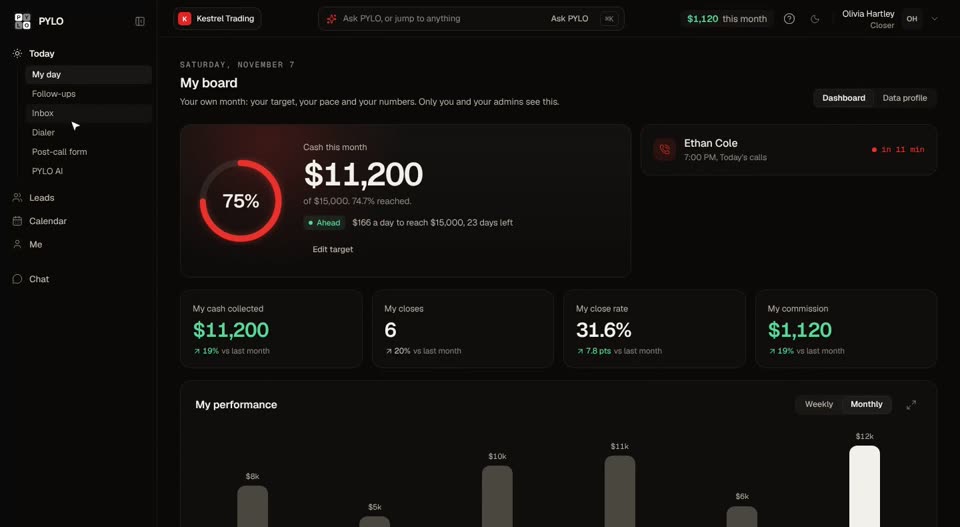 Your day in PYLOThe five things a closer or setter does every day, and where each one lives in PYLO.
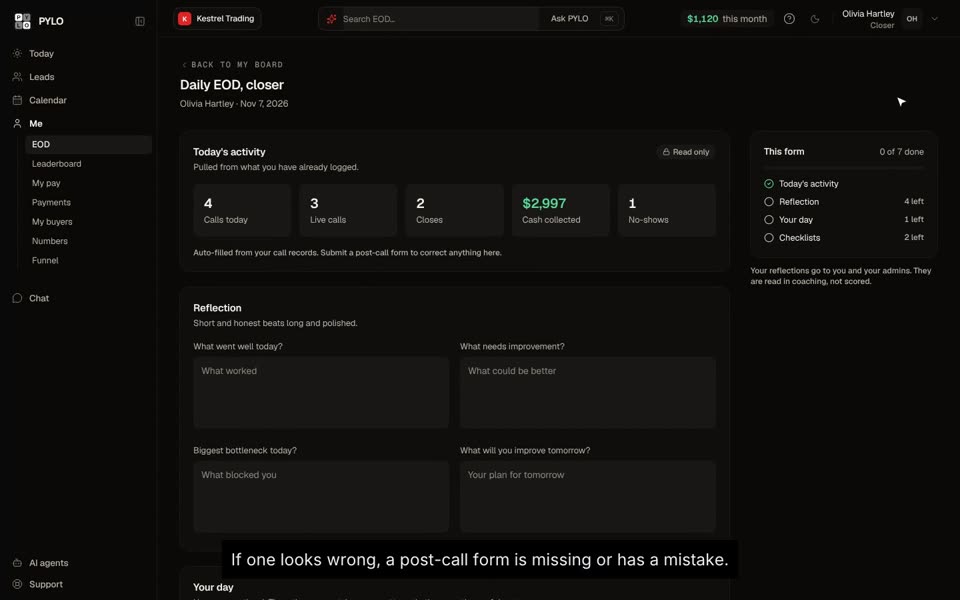 File your end of dayTwo minutes at the end of every shift: what fills itself in, what to write, and how your streak works.
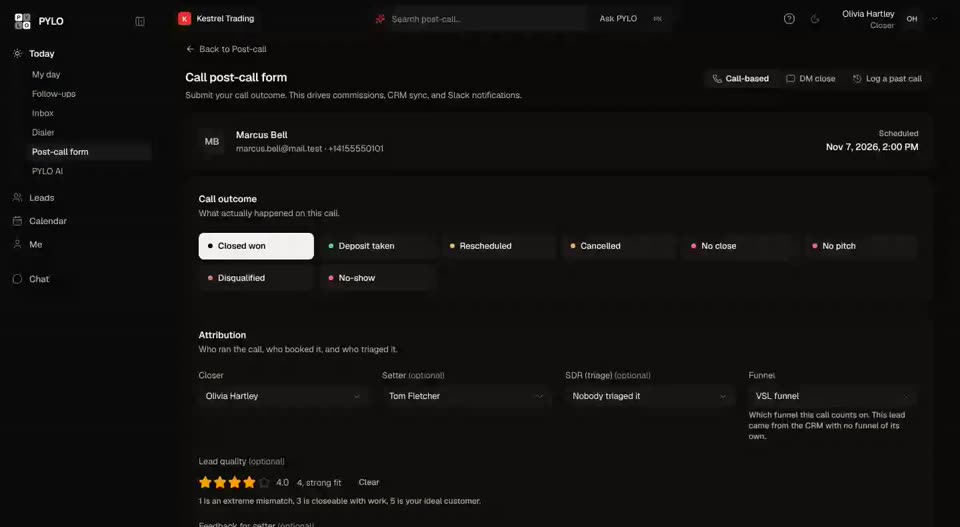 Fill in your post-call formLog what happened on a call, start to finish, so cash, commission and the lead stay right.
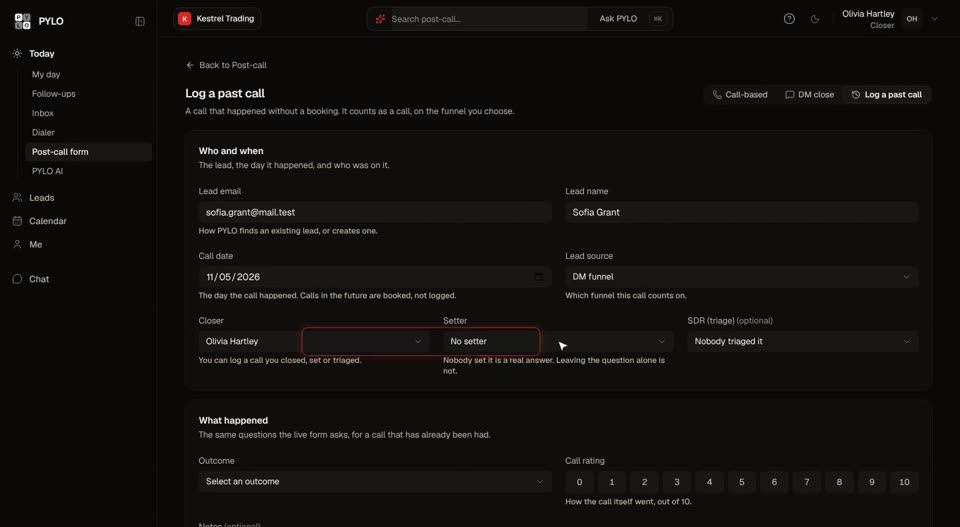 Log a past callRecord a call that never had a booking, so it still counts toward your numbers.
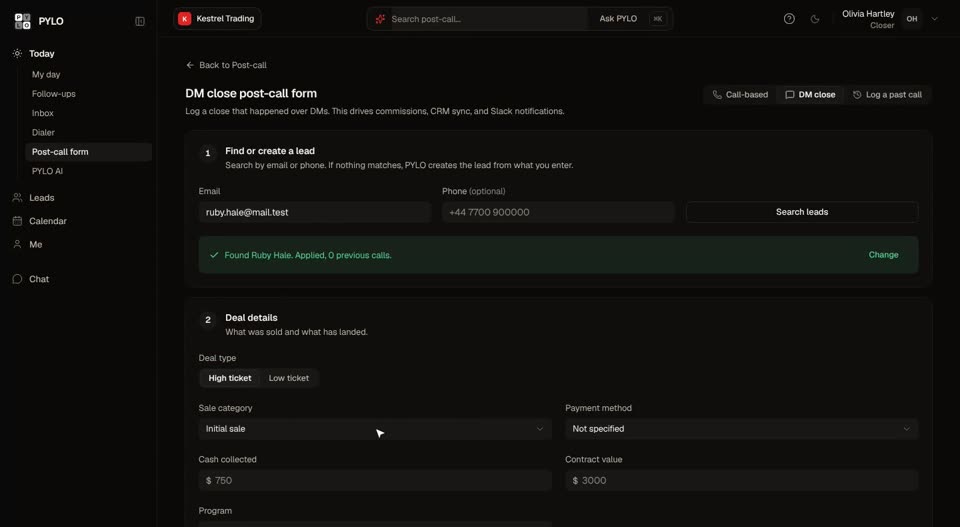 Log a DM closeRecord a sale that closed over messages, with the payment plan and who gets credit.
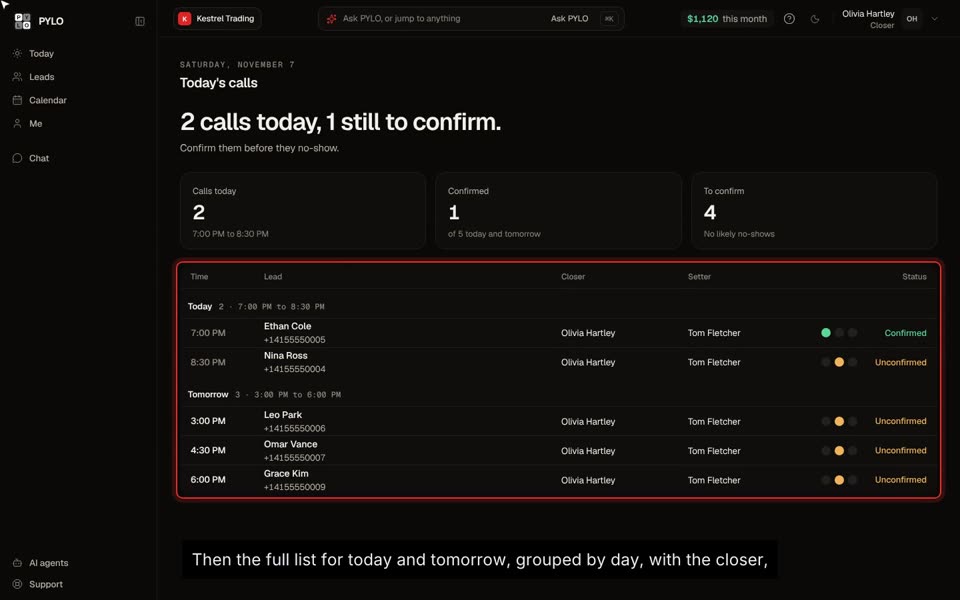 Confirm your callsMark today's and tomorrow's calls confirmed, or flag a no-show risk, from the Today page.
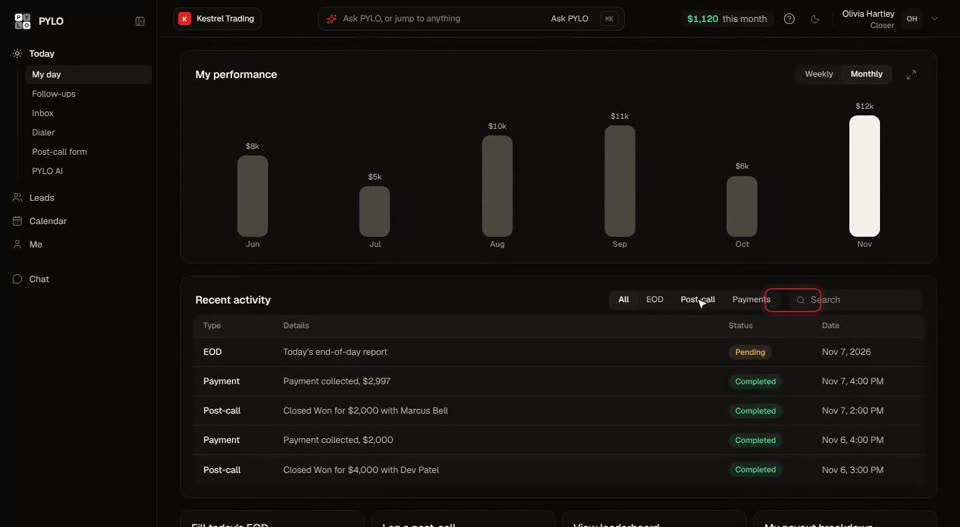 Read your board and commissionWhere your month stands against target, and how every dollar of commission adds up.
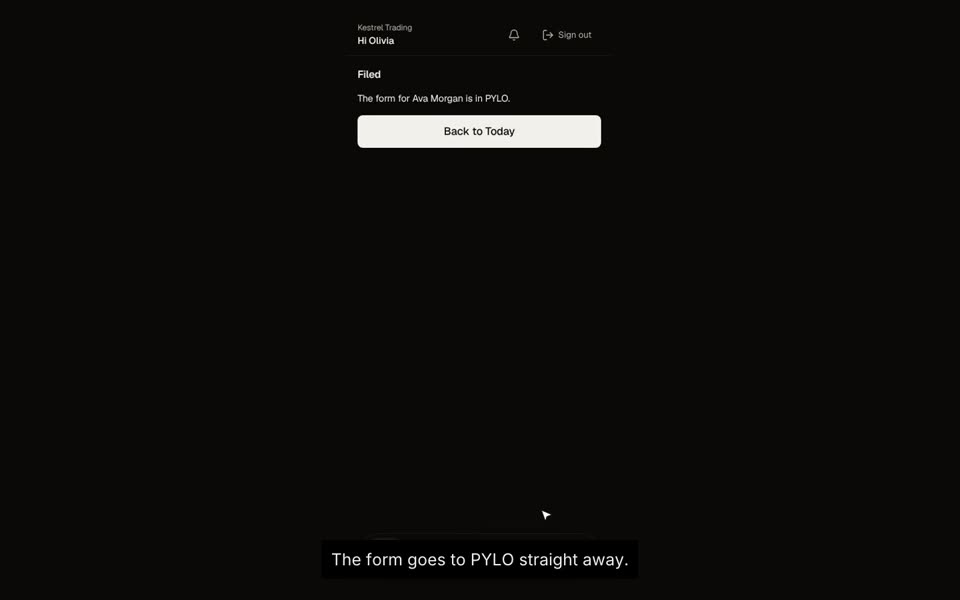 PYLO Rep on your phoneFile forms and your end of day, and check your board, from the phone app.
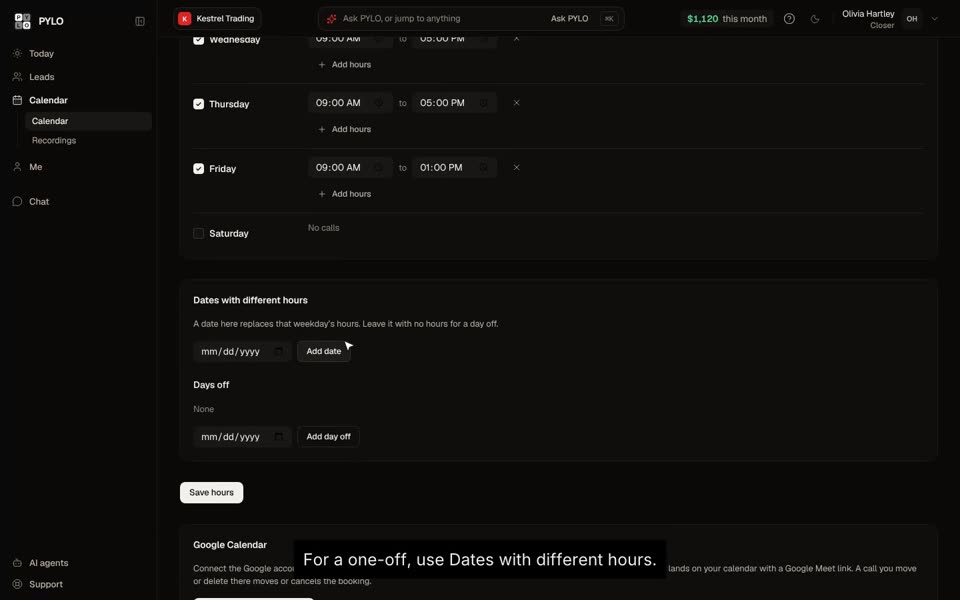 Set your hours and connect Google CalendarChoose when you take calls, add days off, and let Google Calendar block the rest.
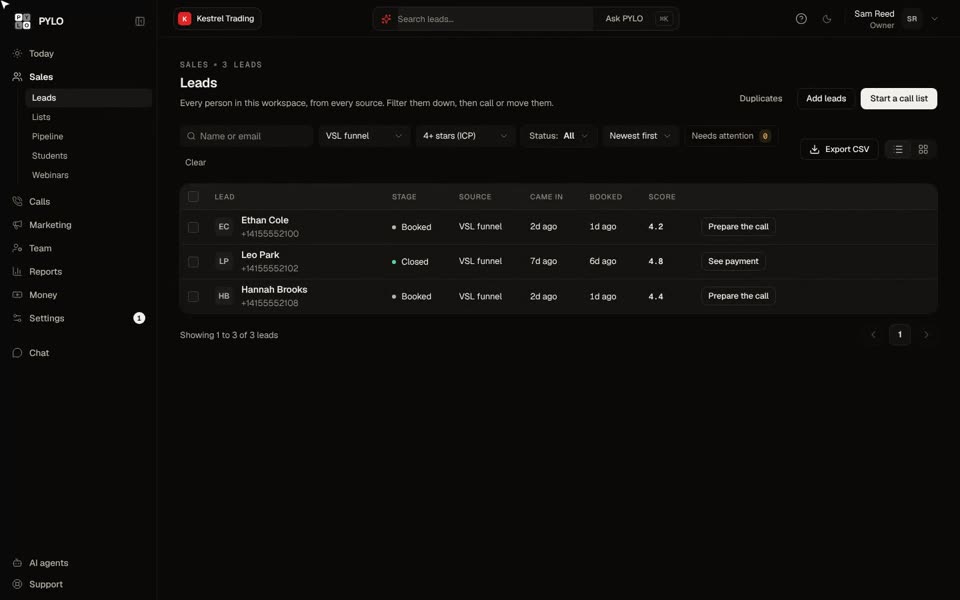 Find and filter your leadsSearch, filter by funnel and quality, and open any lead in one click.
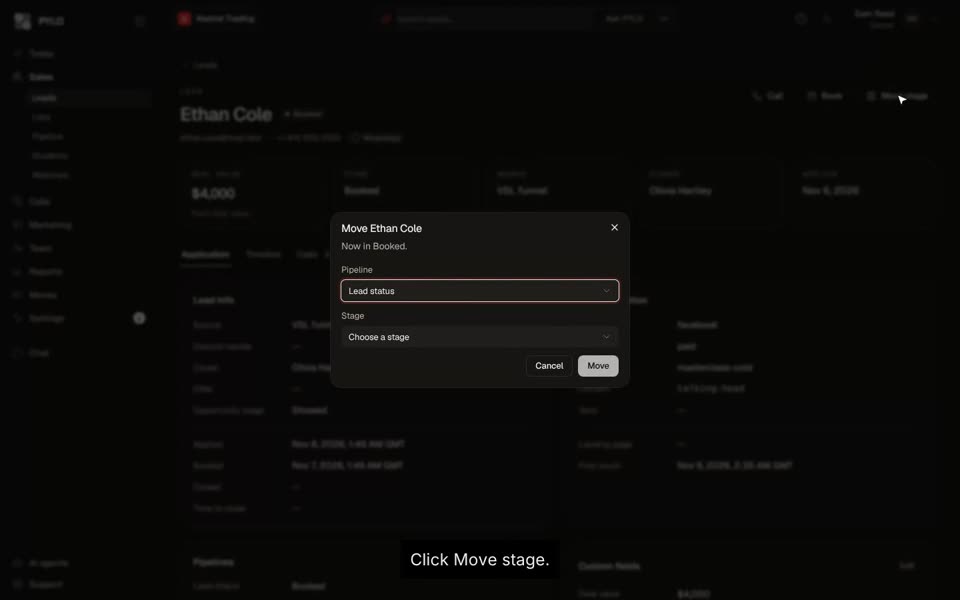 Update a lead and their dealMove the stage, fill in the deal and leave a note, all from the lead's page.
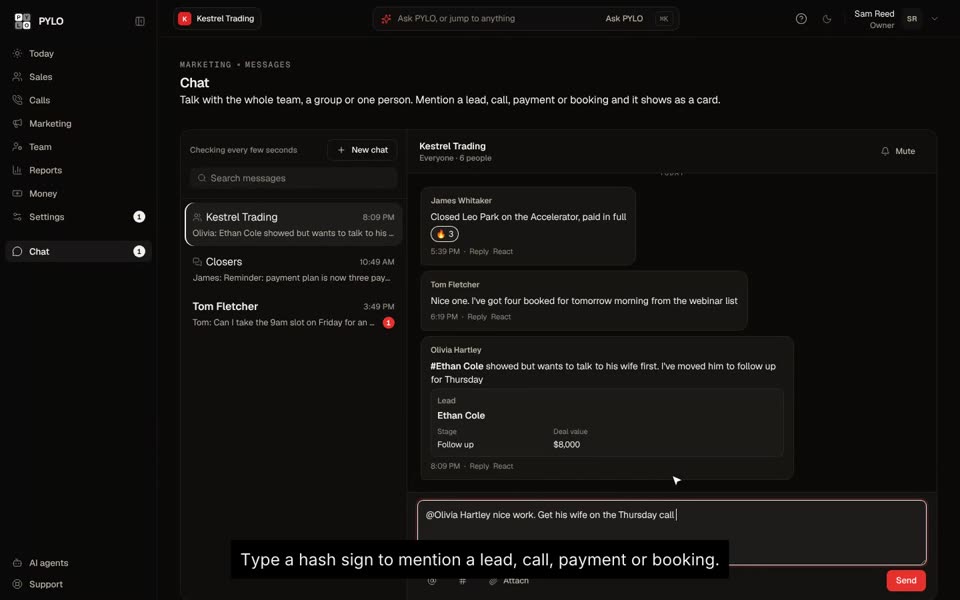 Talk to your team in ChatMessage the whole team, a group or one person, and drop in any lead as a card.
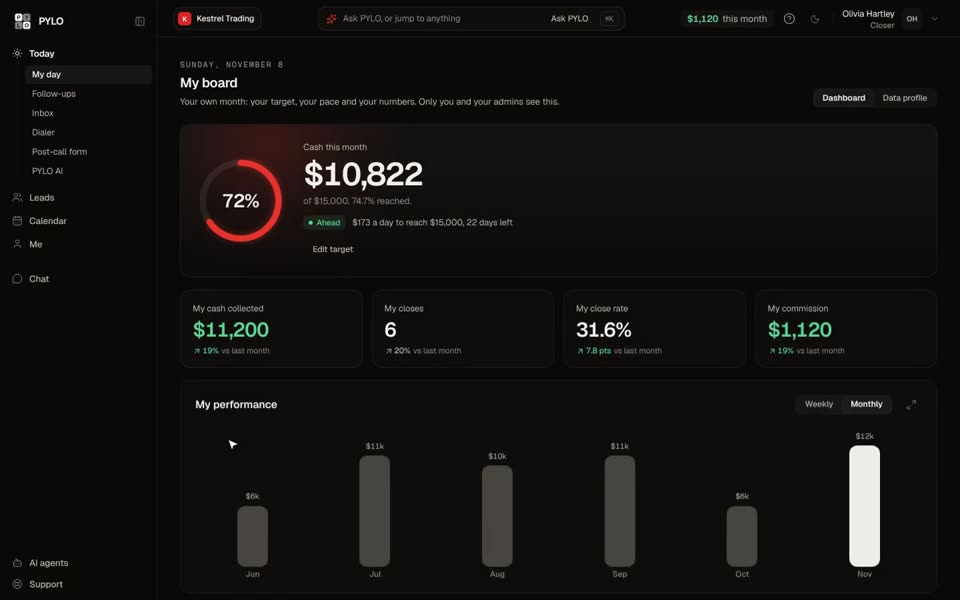 Your first day as a repSign in, set your targets, and learn the five places you'll use every day.
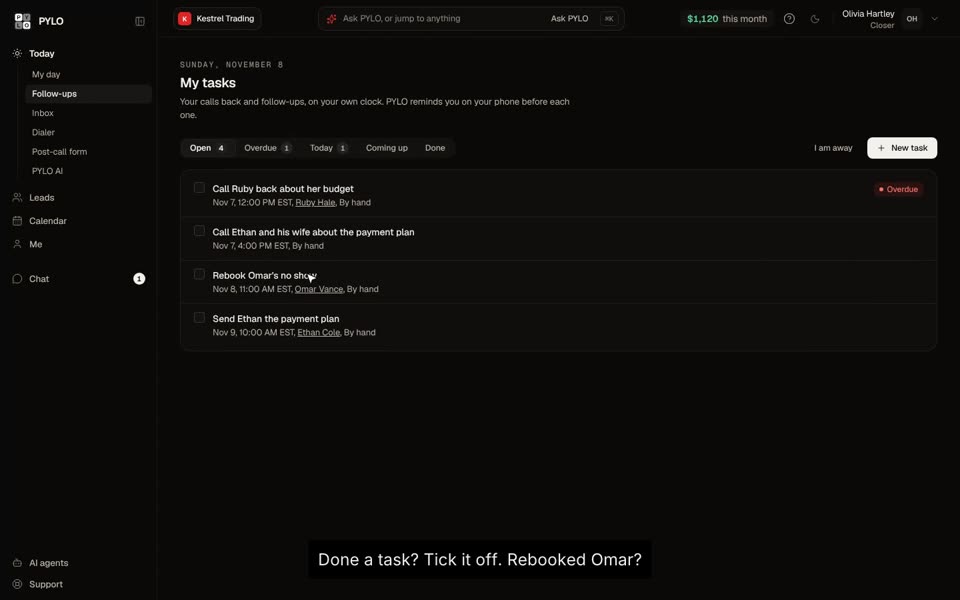 Work your follow-ups and inboxEvery call back on your own clock, and a short list of what needs you today.
Operators and owners
Setting up a team, targets, booking, forms and automations.
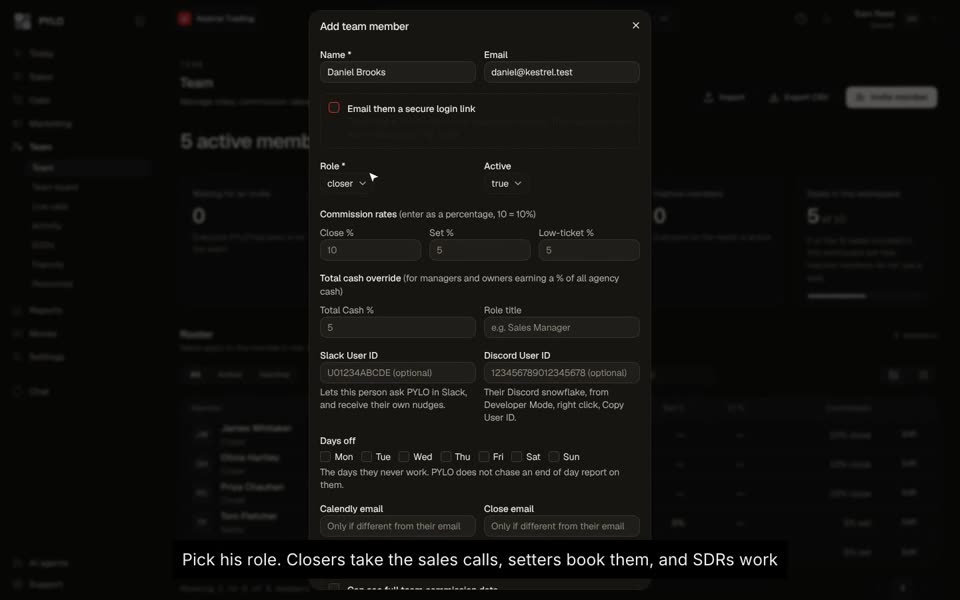 Add a rep to your teamAdd a closer, setter or SDR, set their commission, and send them a login link.
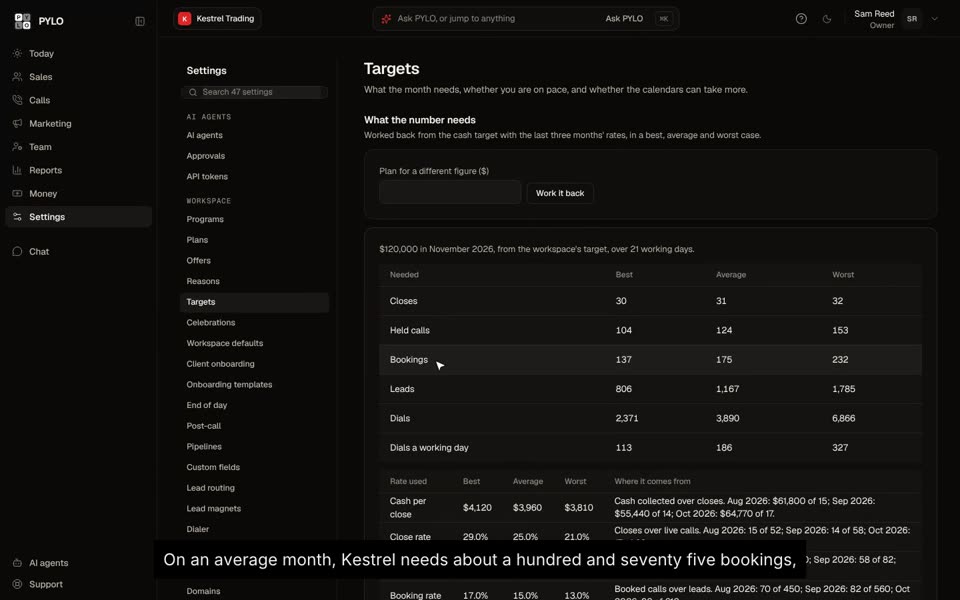 Set your monthly targetsSet the cash goal, and PYLO works back how many calls, leads and dials it takes.
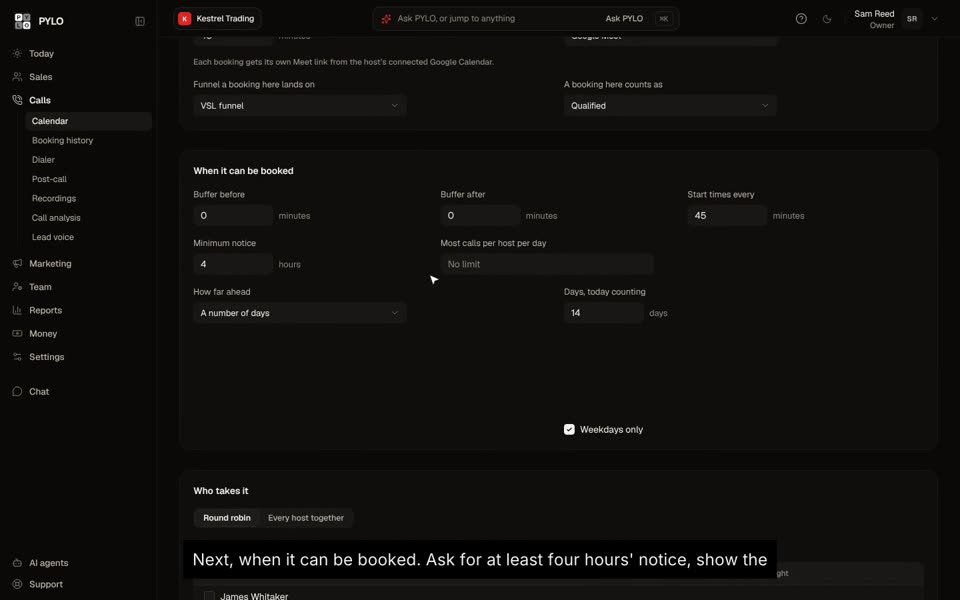 Build a booking linkMake a calendar for your sales calls, ask your qualifying questions, and share one link.
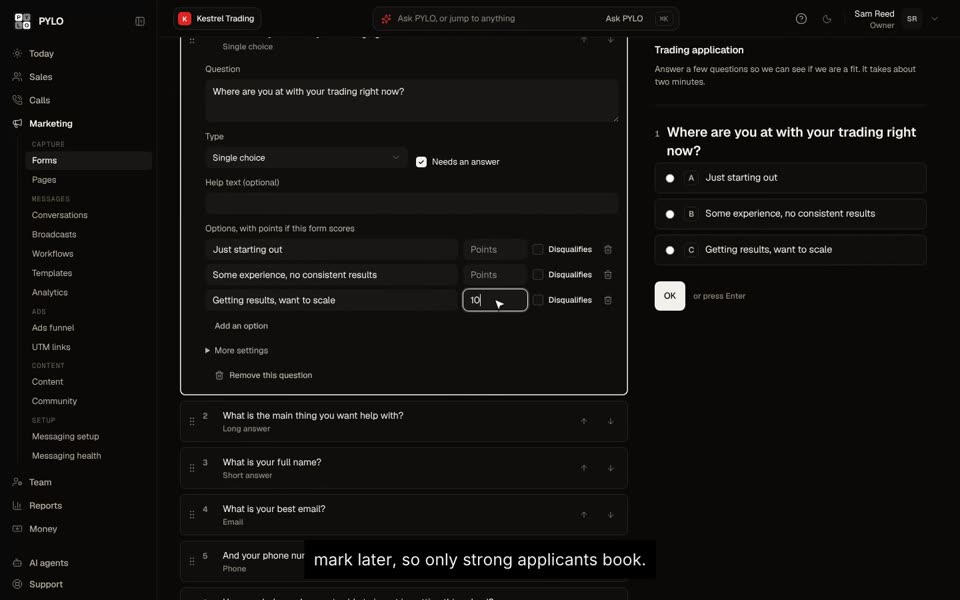 Build an application formAsk your qualifying questions, filter out bad fits, and send the good ones straight to booking.
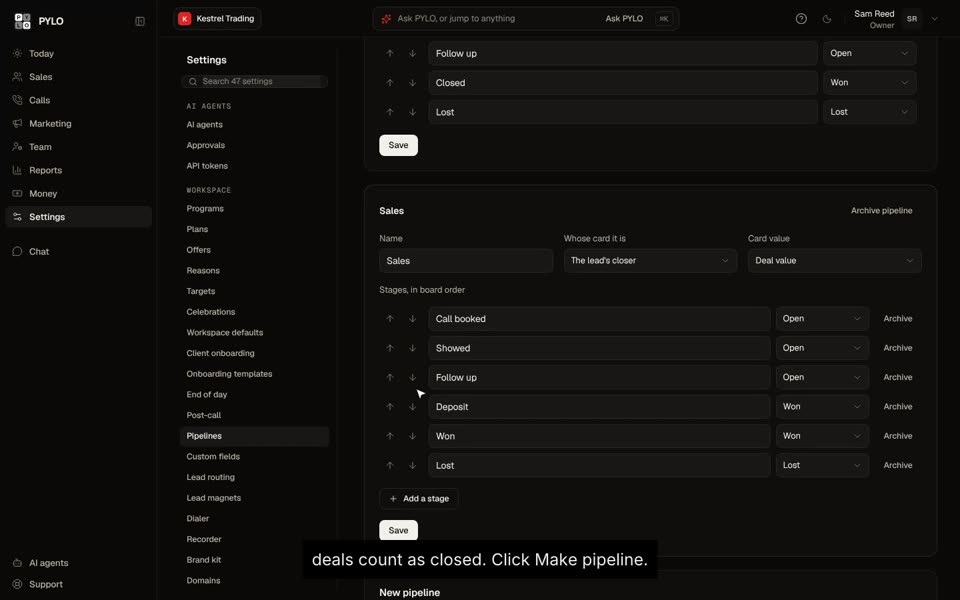 Set up your sales pipelineChoose your stages, then drag each deal along as it moves.
 Read your dashboardCash, calls, funnels and your team, on one page, in five minutes a day.
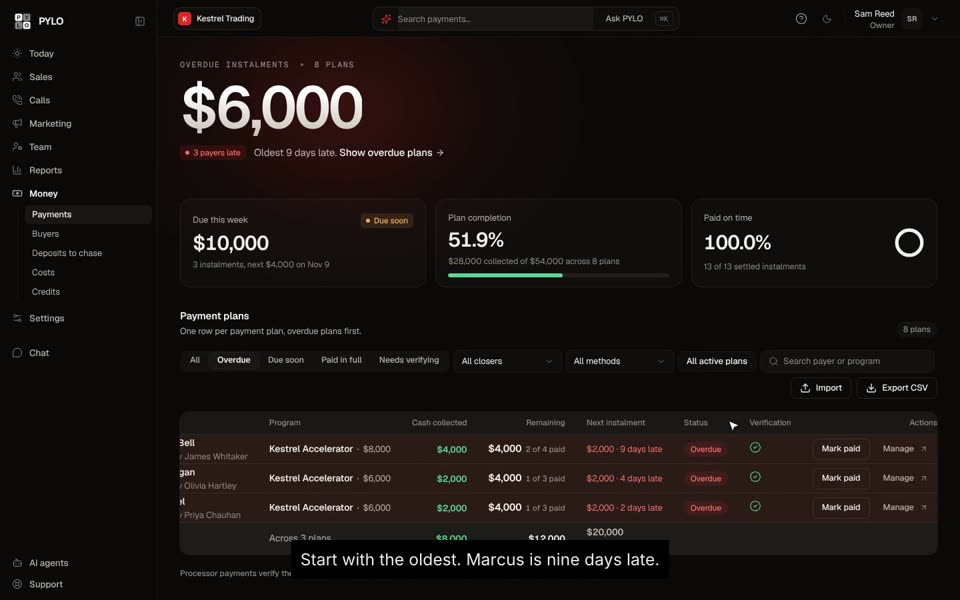 Chase late paymentsSee who is late, send them a link to pay, and keep every plan on track.
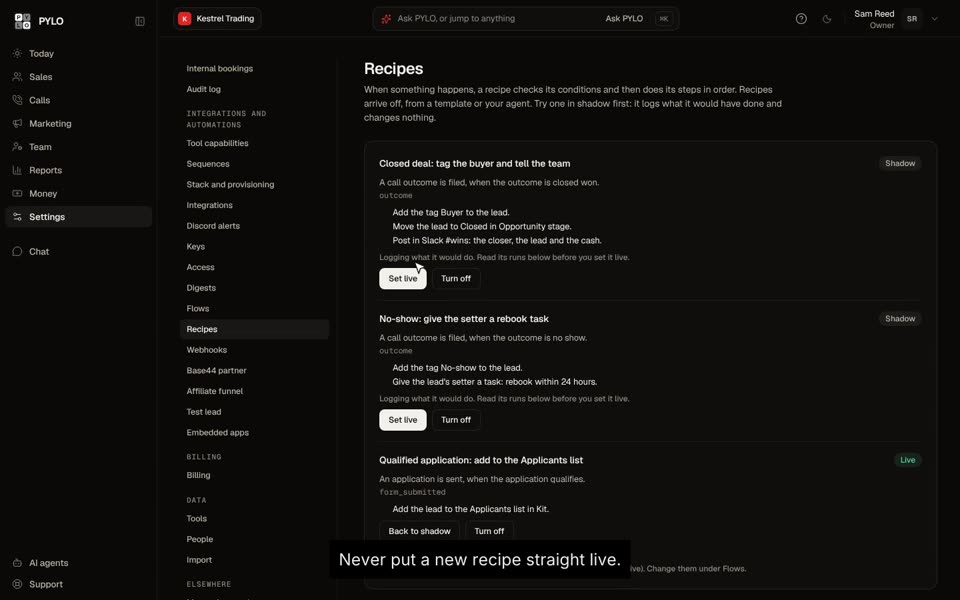 Set up recipesWhen something happens, PYLO tags, moves, tasks or notifies for you. Test it first, then go live.
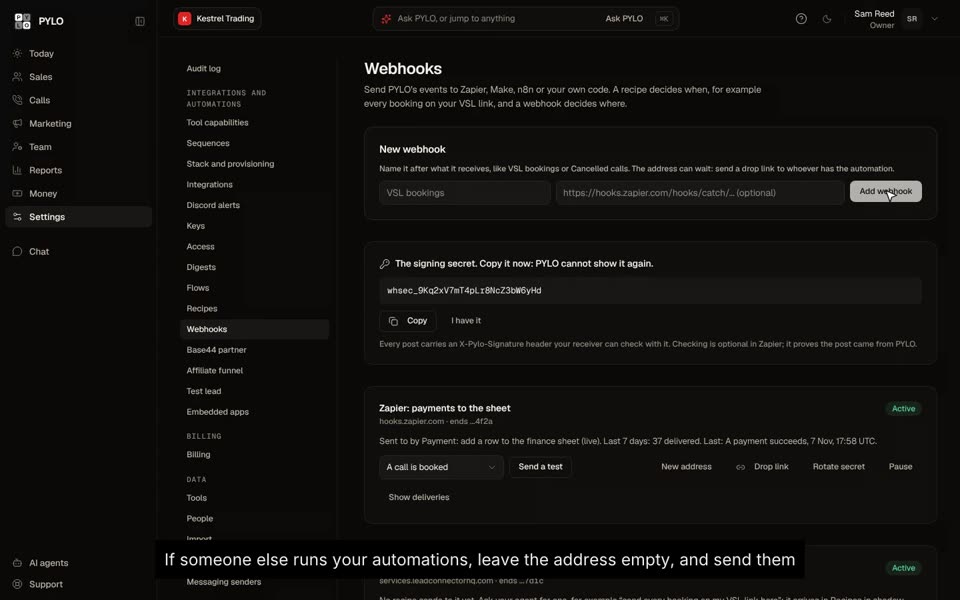 Send leads to another CRMA webhook sends every booking or application to GoHighLevel, Zapier or Make the moment it happens.
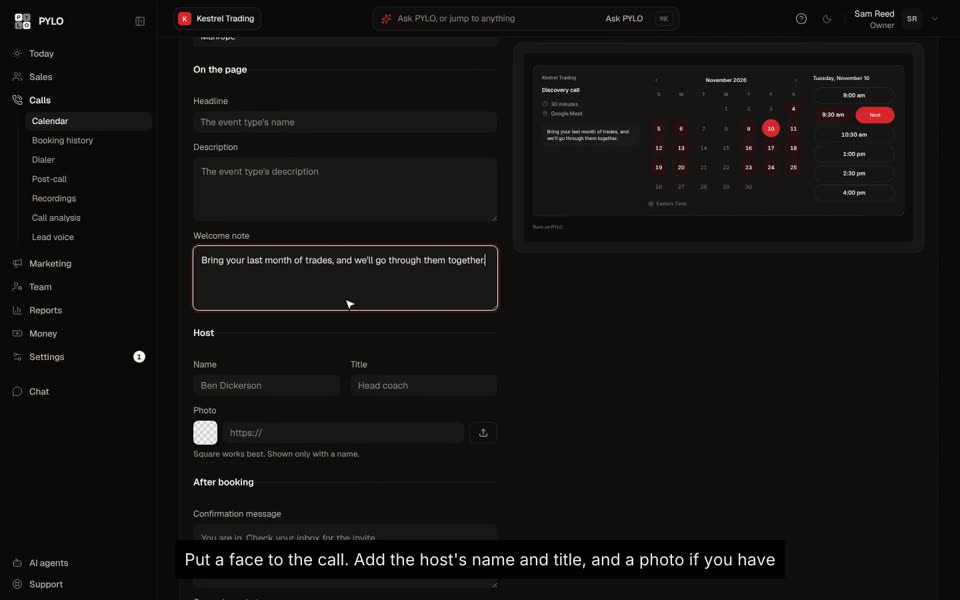 Design your booking pageYour colors, your words and your face on every booking link, and a preview of each one.
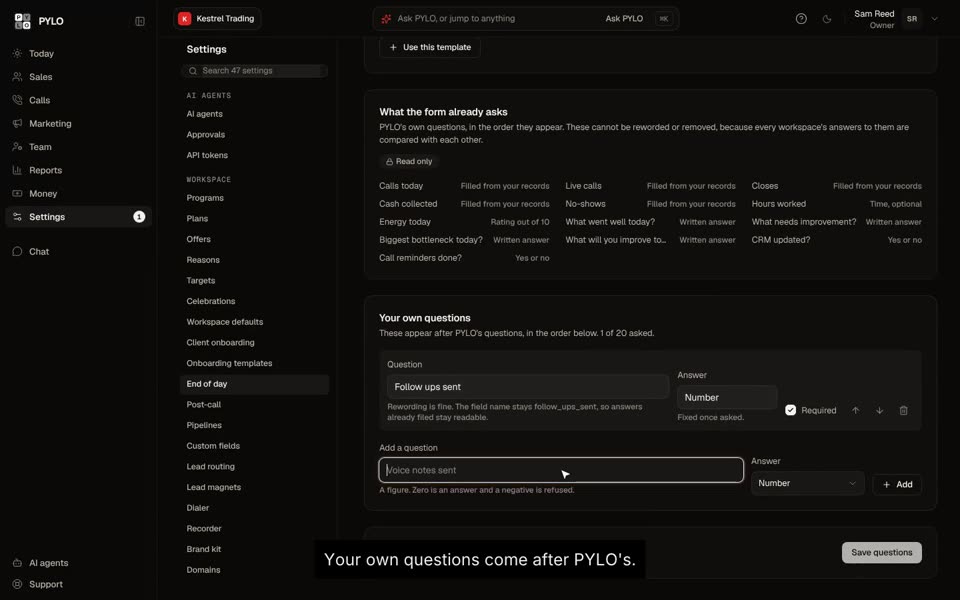 Add questions to the end of day formAsk your team what matters to you, on top of what PYLO already asks.
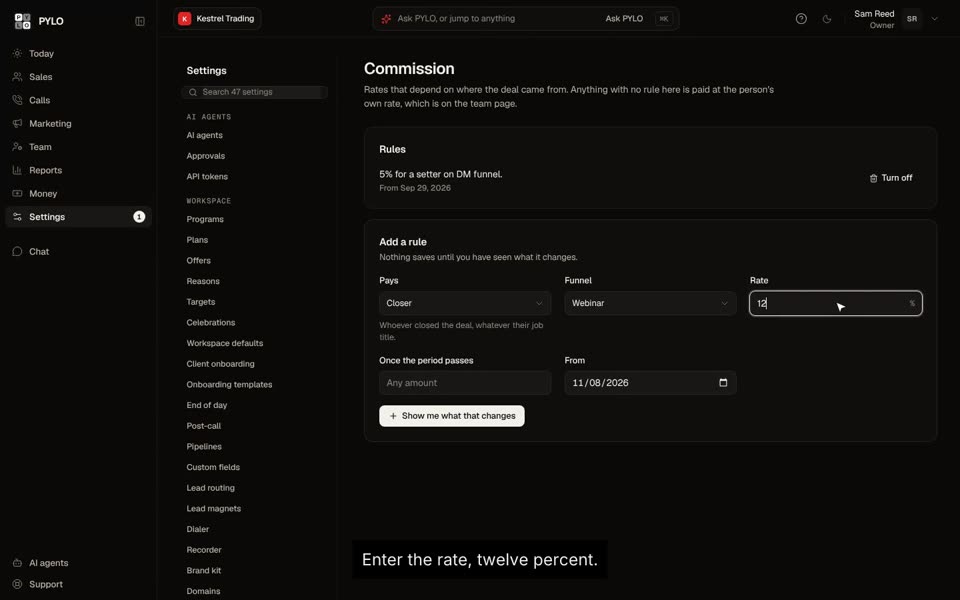 Set commission rates by funnelPay a different rate by funnel, or a higher rate once a target is hit.
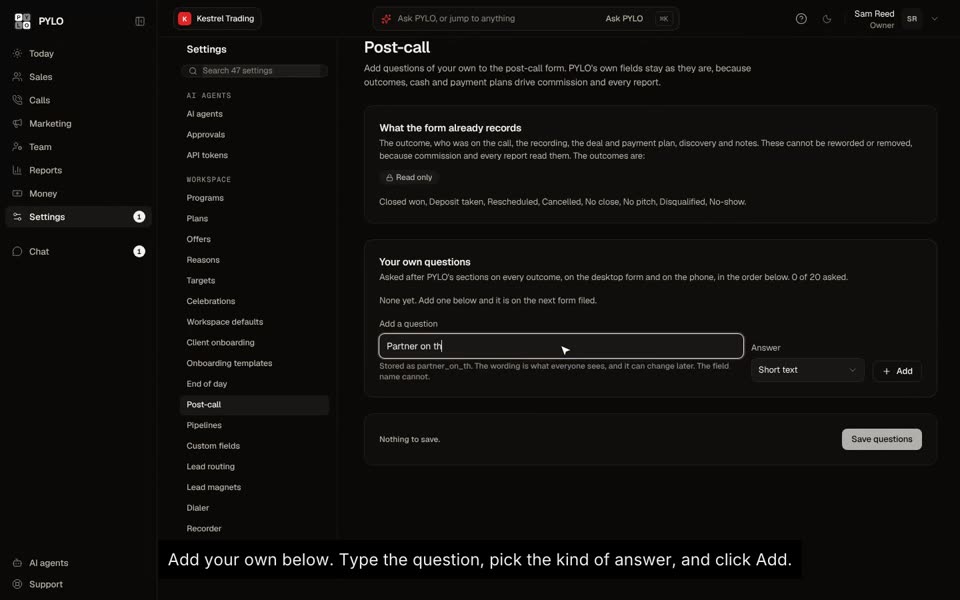 Add questions to the post-call formAsk closers what you want to know about every call, on top of what PYLO records.
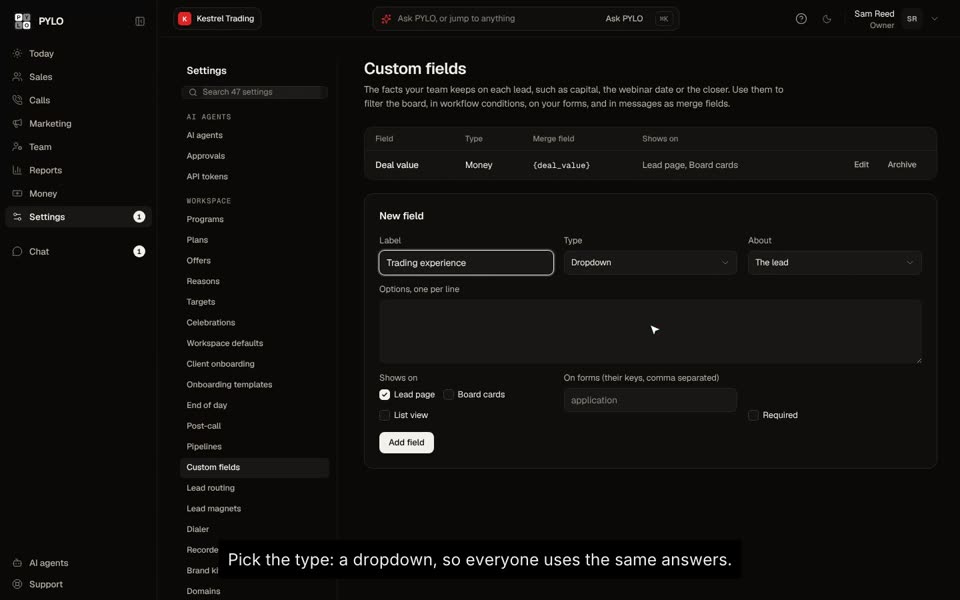 Add custom fieldsKeep your own facts on each lead and deal, and use them on the board and in messages.
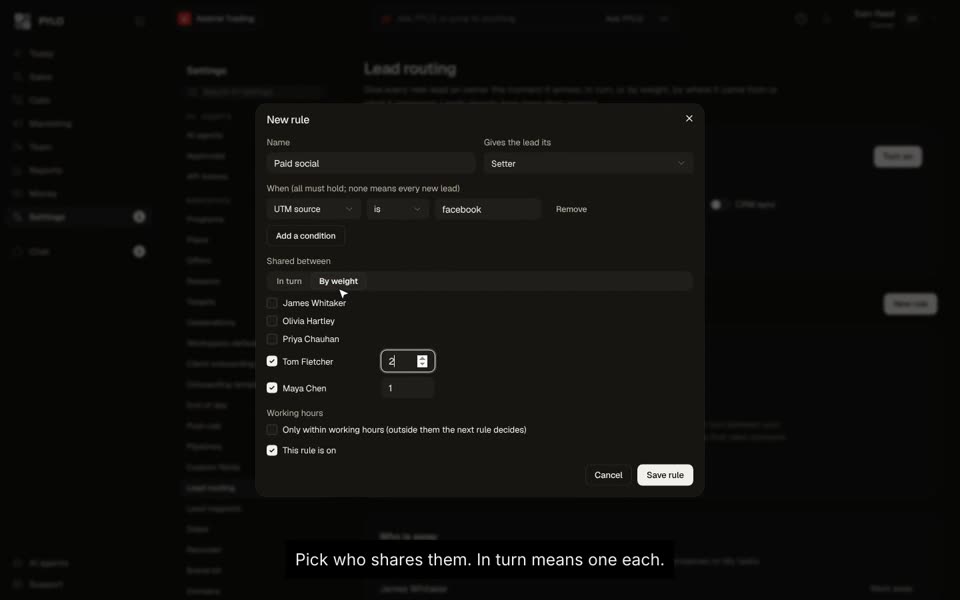 Route new leads to your teamEvery new lead gets an owner straight away, in turn or by weight.
Integrations
Connecting your calendar, payments, CRM, Discord and dialer.
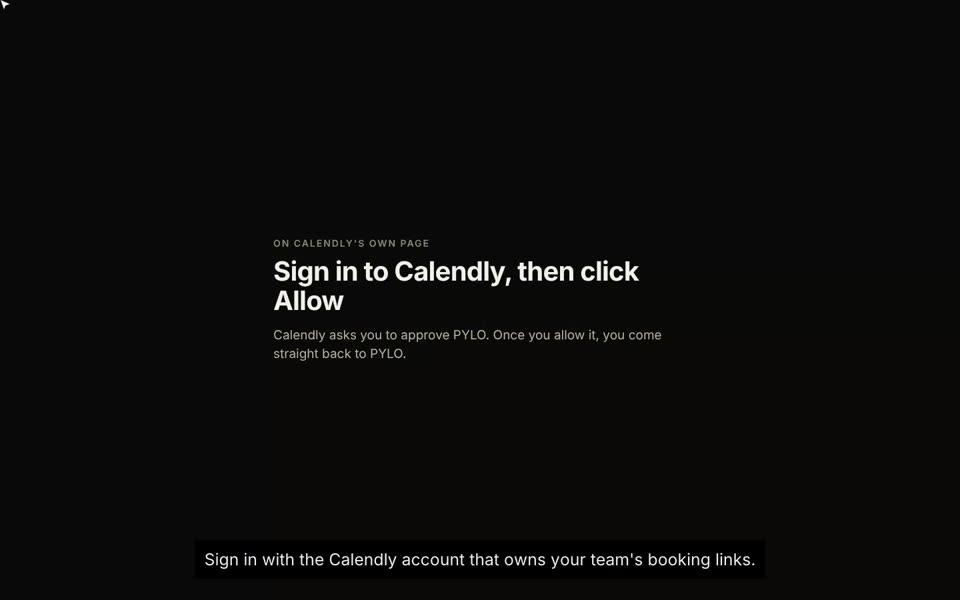 Connect CalendlySign in once, pick which booking links count, and every call files itself.
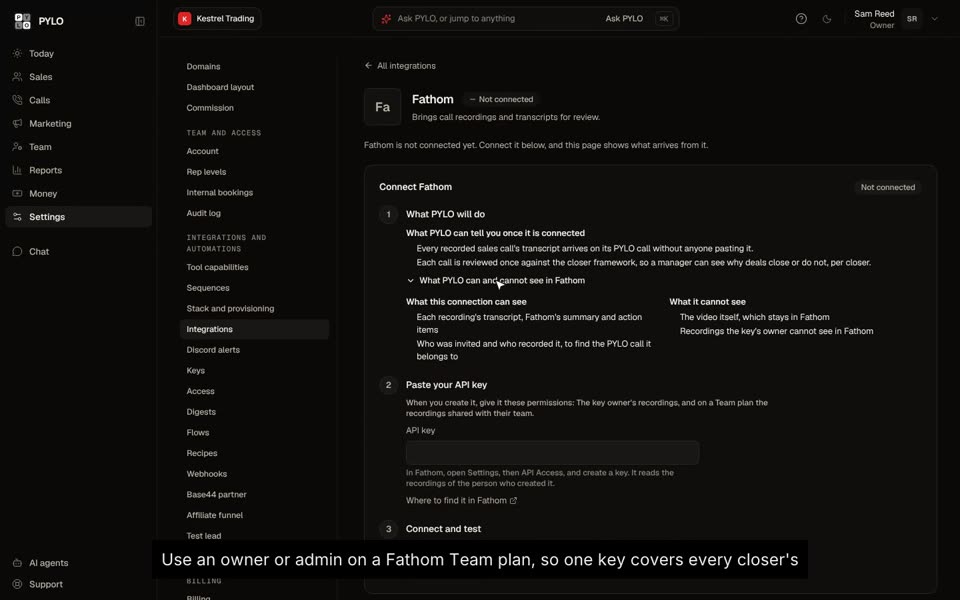 Connect Fathom recordingsPaste one key, and every recorded call shows up on the right lead, ready to review.
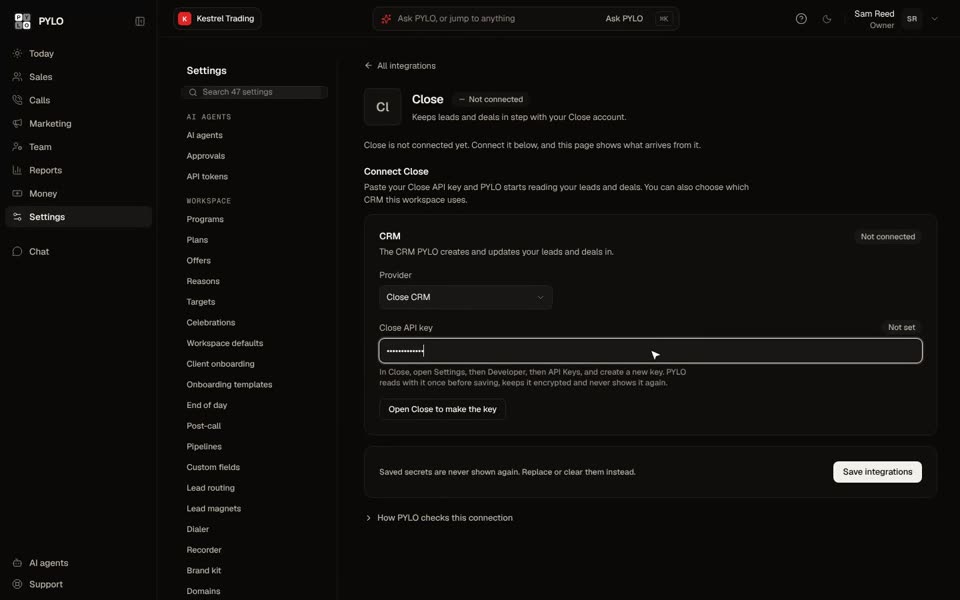 Connect Close or GoHighLevelKeep your CRM, and let PYLO read your leads and deals from it.
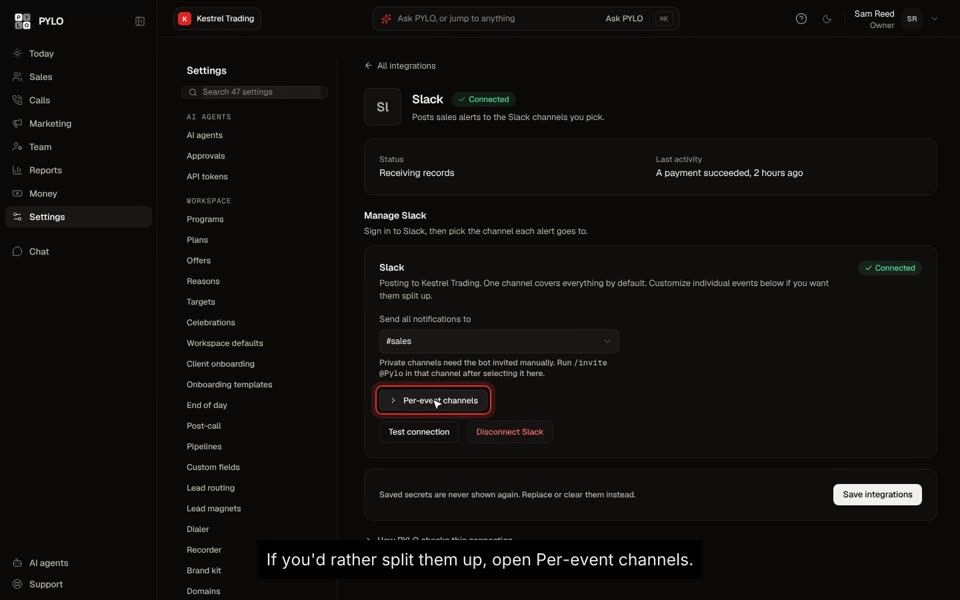 Send sales alerts to SlackPick a channel for every alert, so the whole team sees wins the moment they happen.
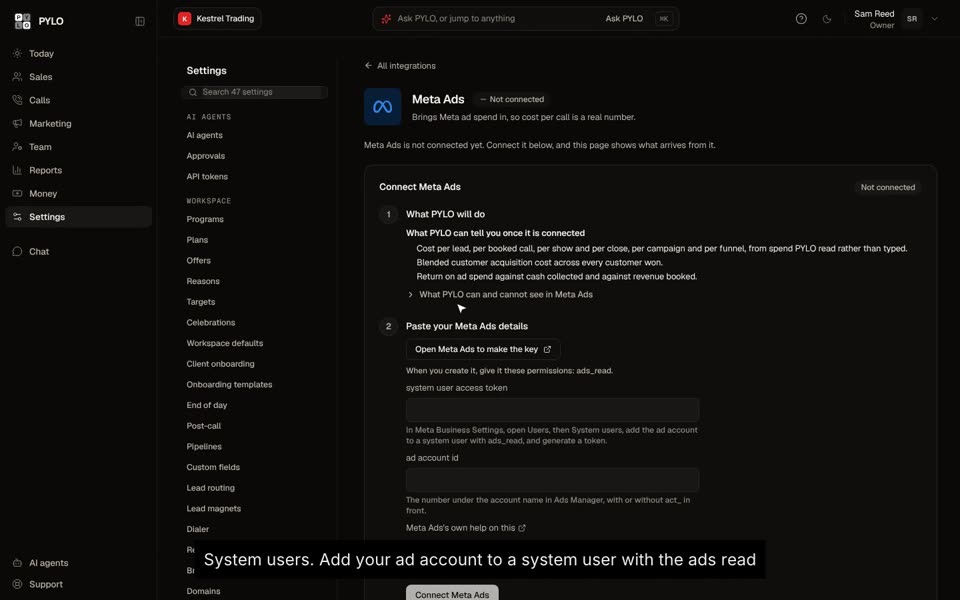 Connect Meta adsBring your ad spend in, and see what every booked call and every close really costs.
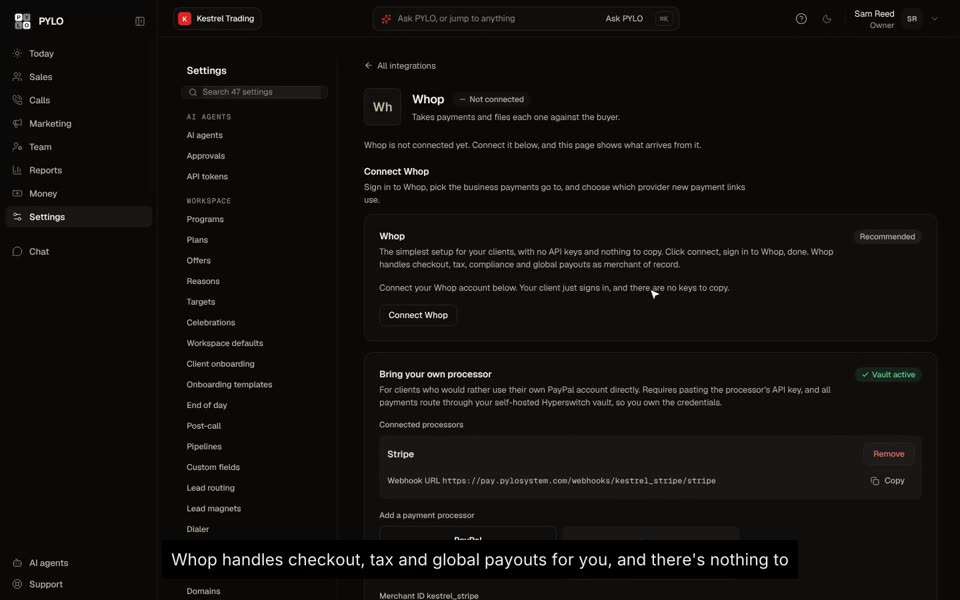 Connect your paymentsTake payments through Whop or your own processor, and PYLO files every one against the buyer.
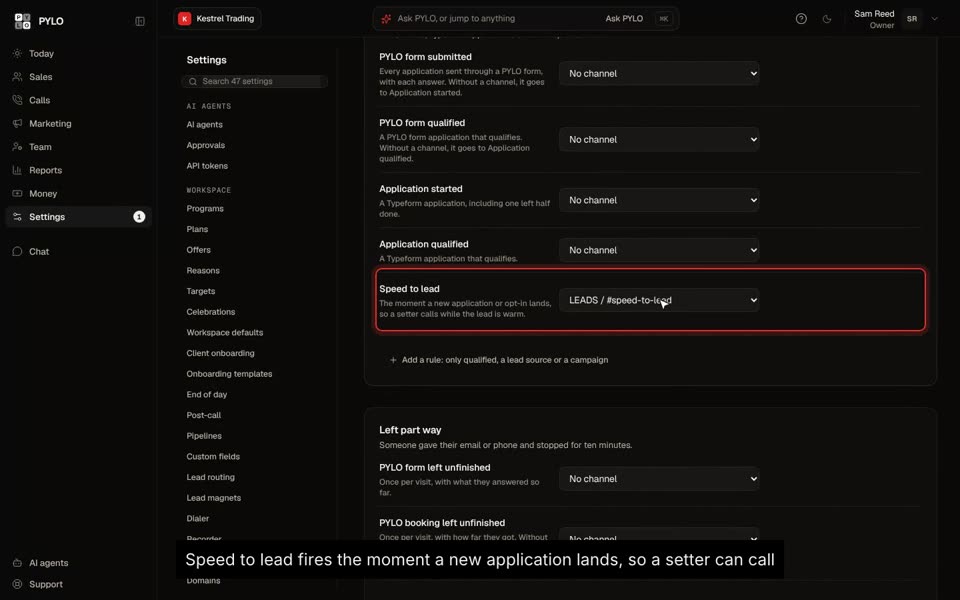 Send sales alerts to DiscordBookings, closes, applications and end of day reports, each in its own channel.
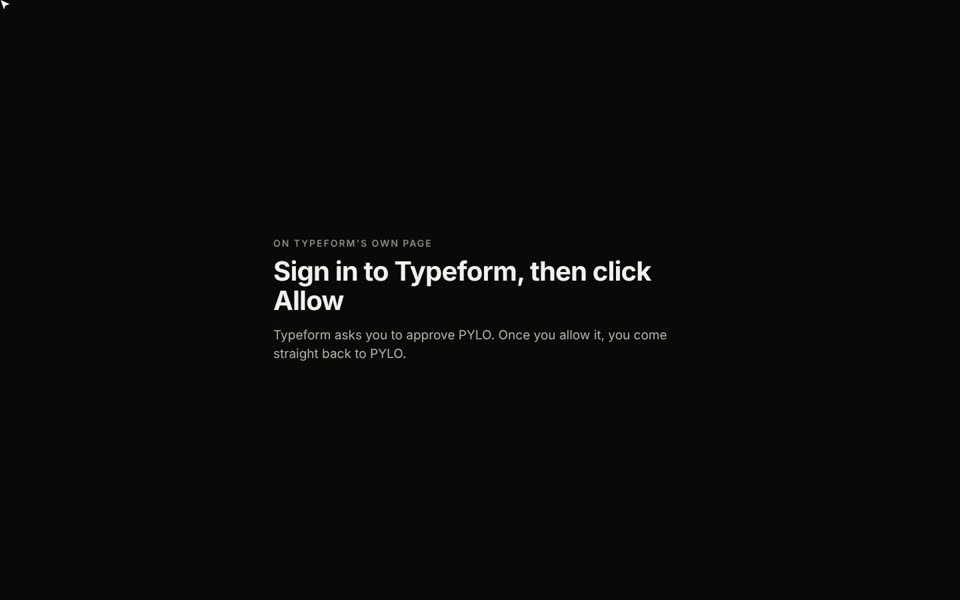 Connect TypeformSign in once, and every application arrives as a lead. No setup per form.
AI assistants
PYLO AI, and connecting Claude or ChatGPT to your workspace.
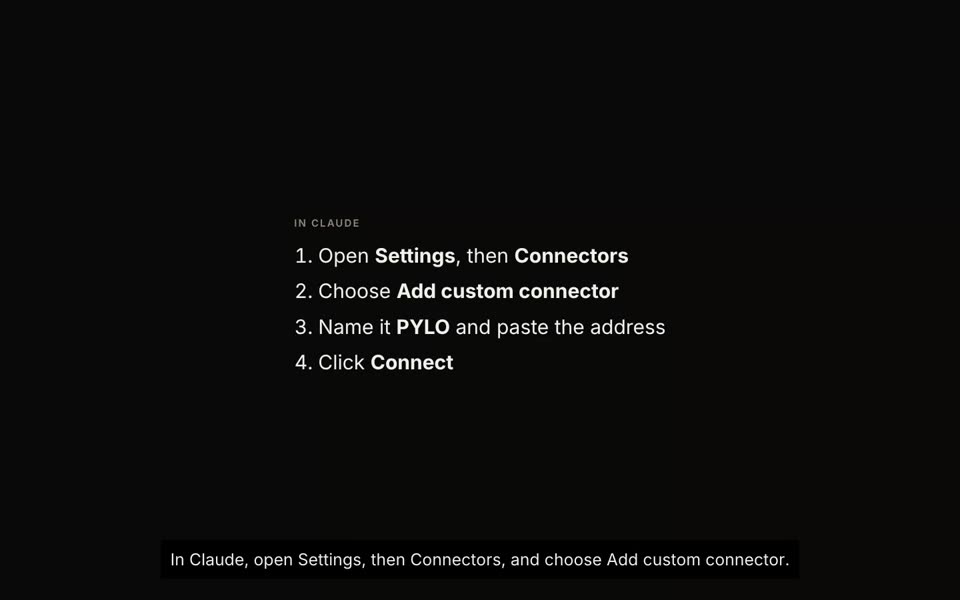 Connect Claude to PYLOAsk about your sales team in plain words, and have Claude set things up for you to approve.
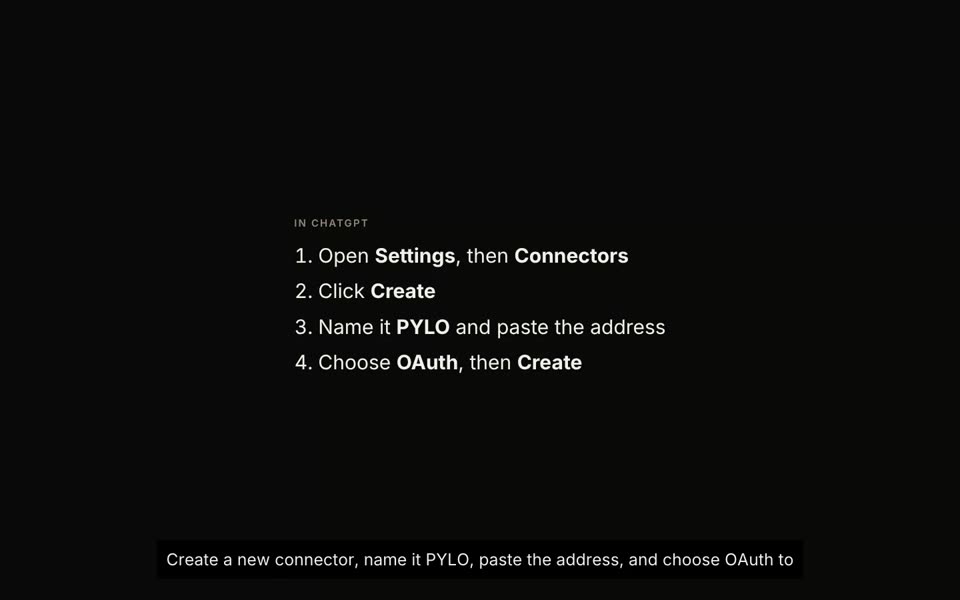 Connect ChatGPT to PYLOUse PYLO from ChatGPT, with the same rules as any other agent.
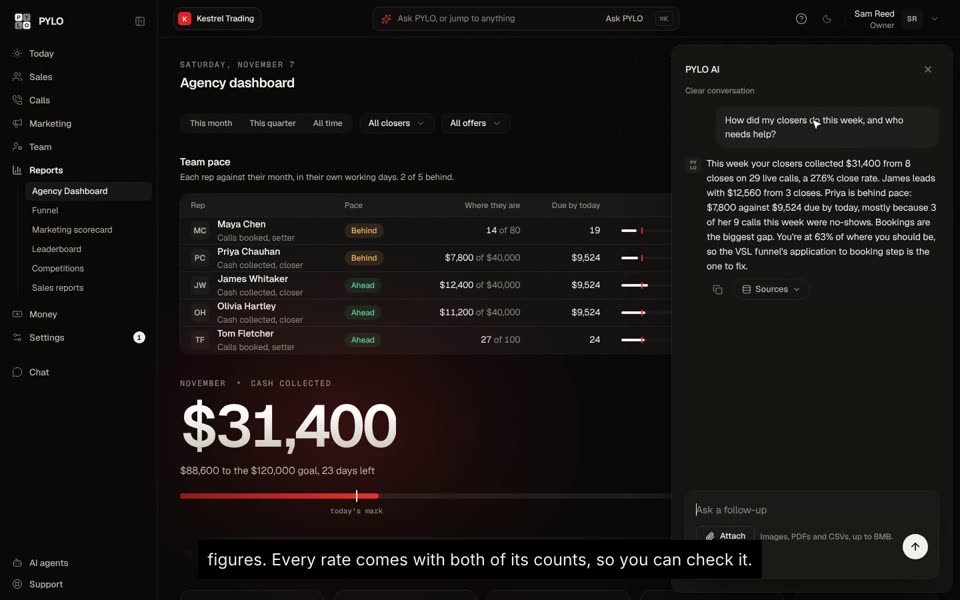 Ask PYLO anythingAsk about your numbers in plain words, and get the answer with the figures behind it.
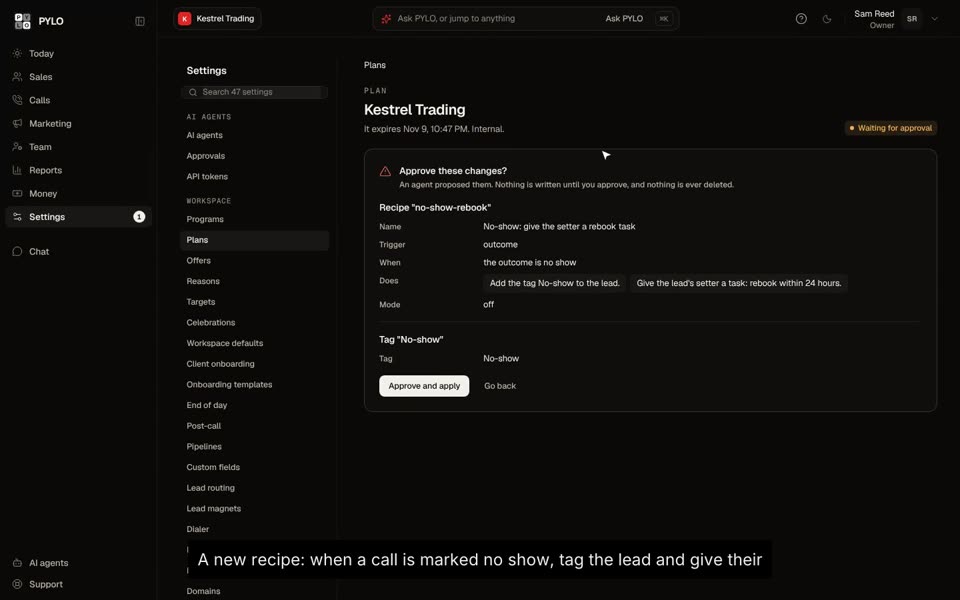 Approve a plan your AI madeNothing your AI sets up changes PYLO until you read it and approve it.
Agency OS
Running several client workspaces from one place.
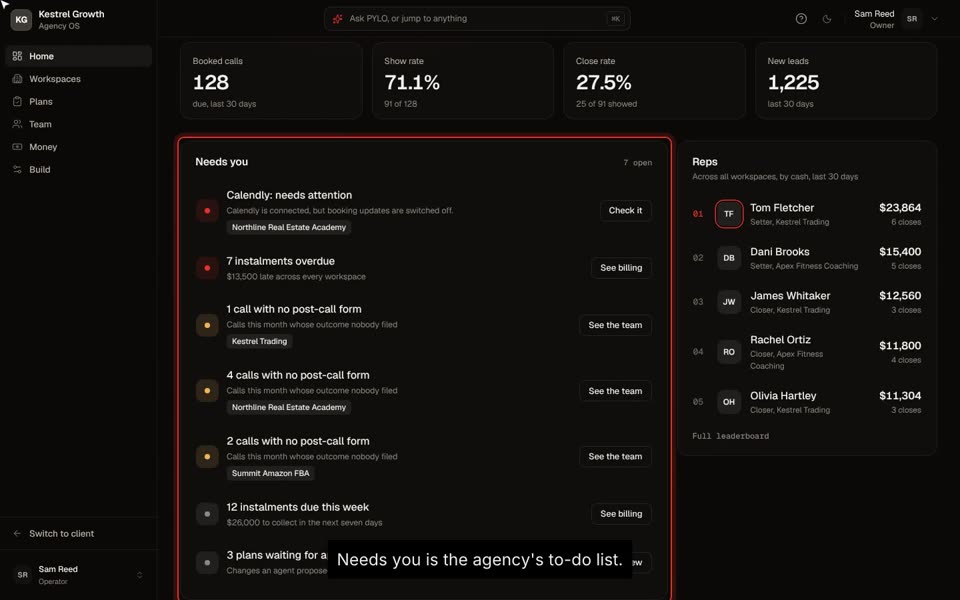 Your agency at a glanceEvery client workspace on one screen: cash, calls, reps, and what needs you.
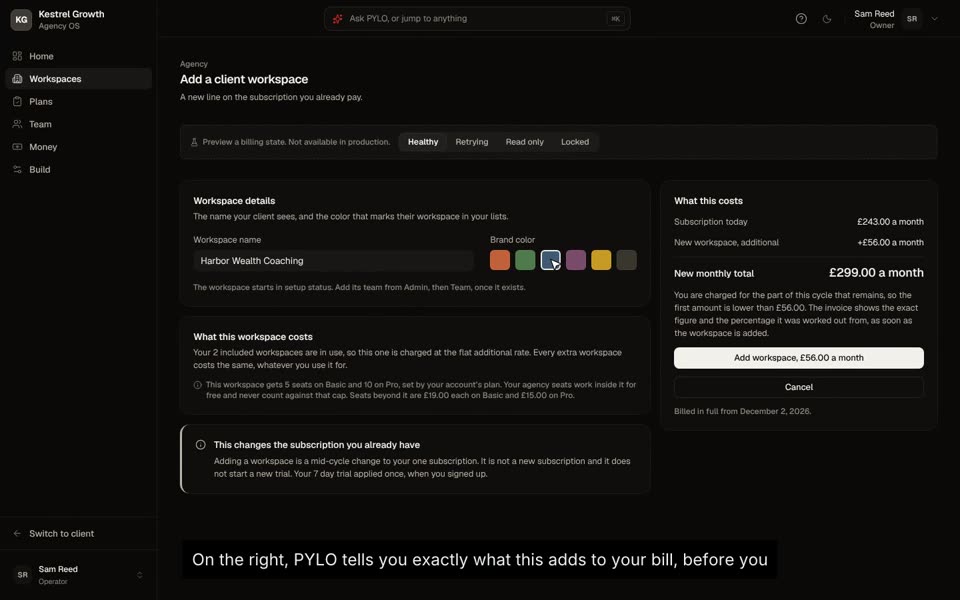 Add a client workspaceEvery client gets its own workspace, with its own team, data and connections.
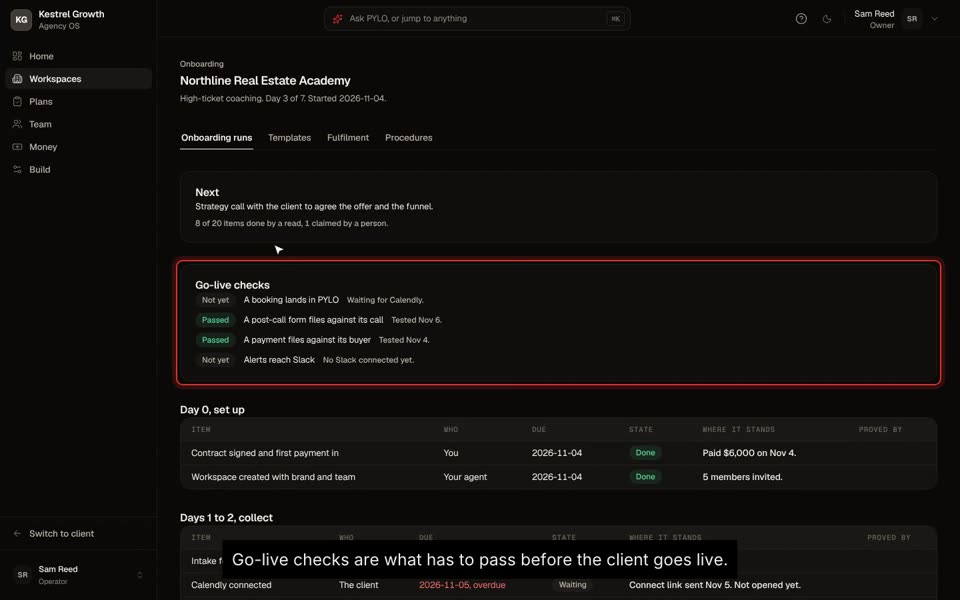 Follow a client's onboardingA seven day checklist, shared by you, your client and your AI, until every go-live check passes.
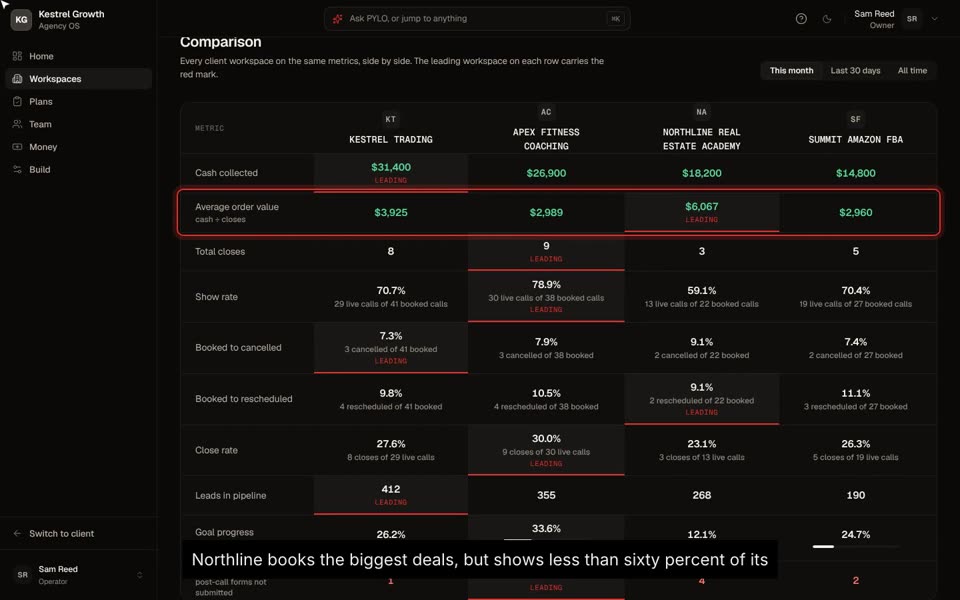 Compare your clientsEvery client on the same metrics, so you can see who to copy and who to help.
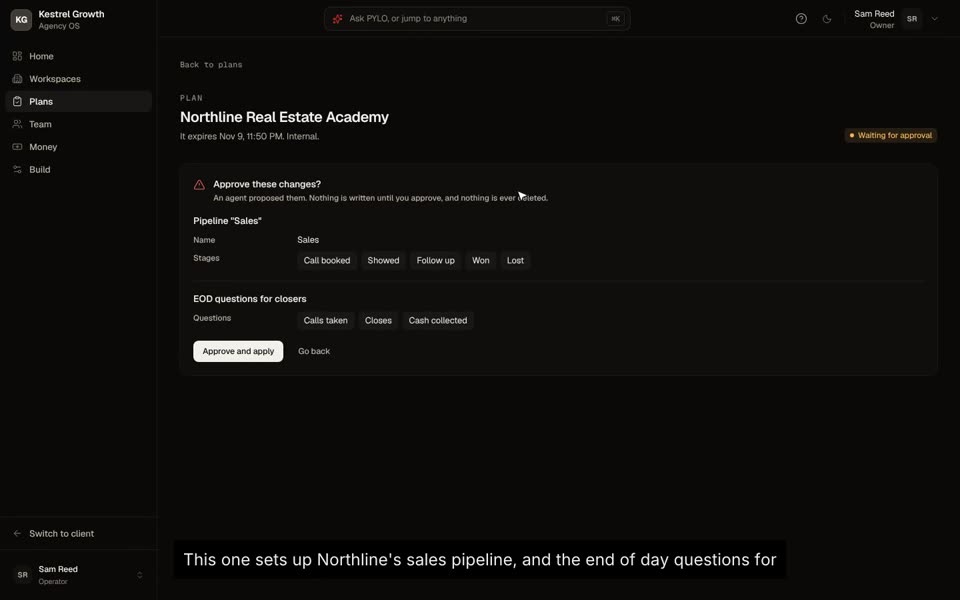 Approve plans for your clientsEvery change your AI proposes, for every client, waits here for an operator.
Extras
Webinars, messaging, ads tracking and the rest.
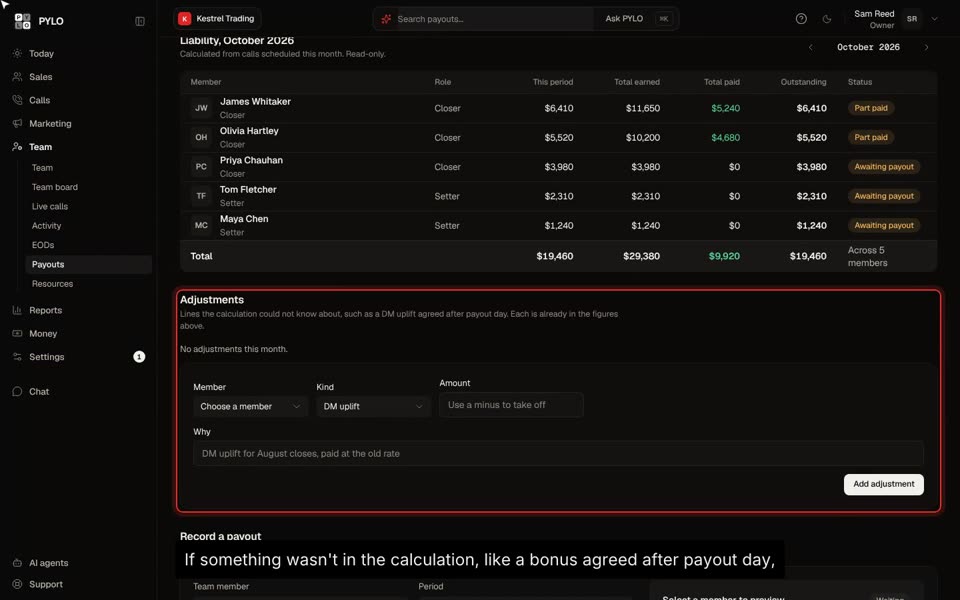 Pay your team's commissionPYLO works out what each rep earned. You record what you paid.
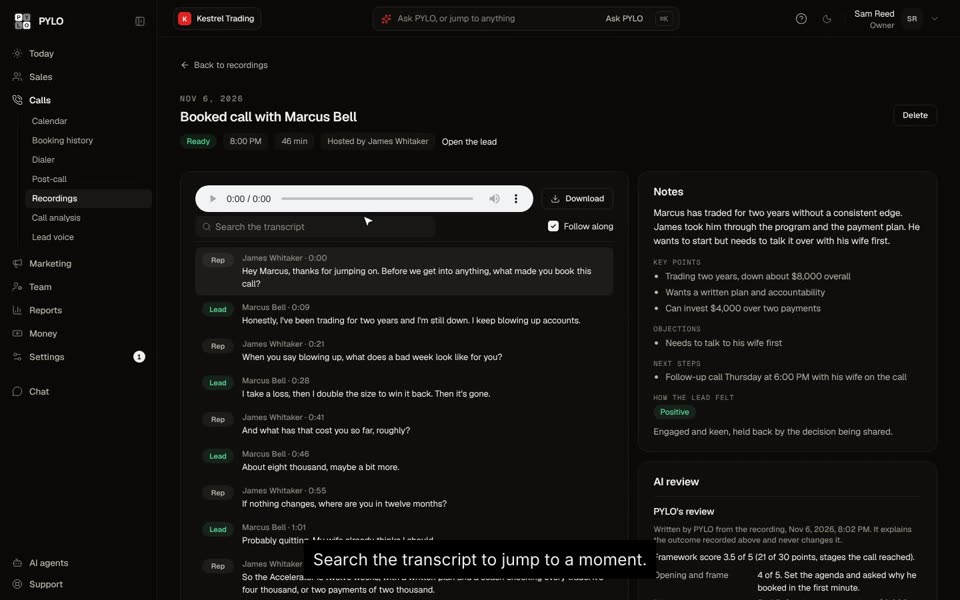 Review a sales callRead the call, see where it was won or lost, and coach the one thing that matters.
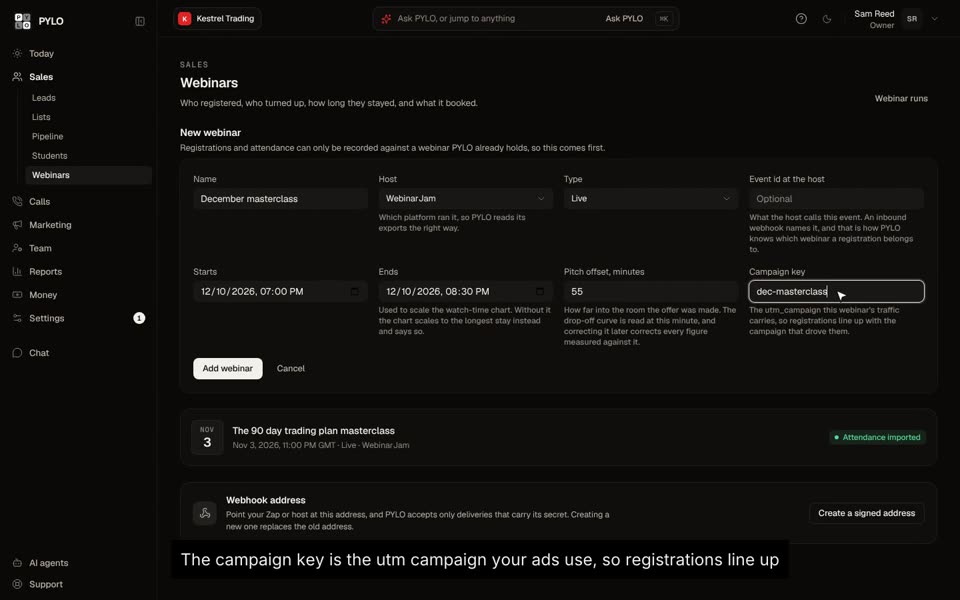 Set up a webinarAdd the event, connect the host, and see which registrants became calls and customers.
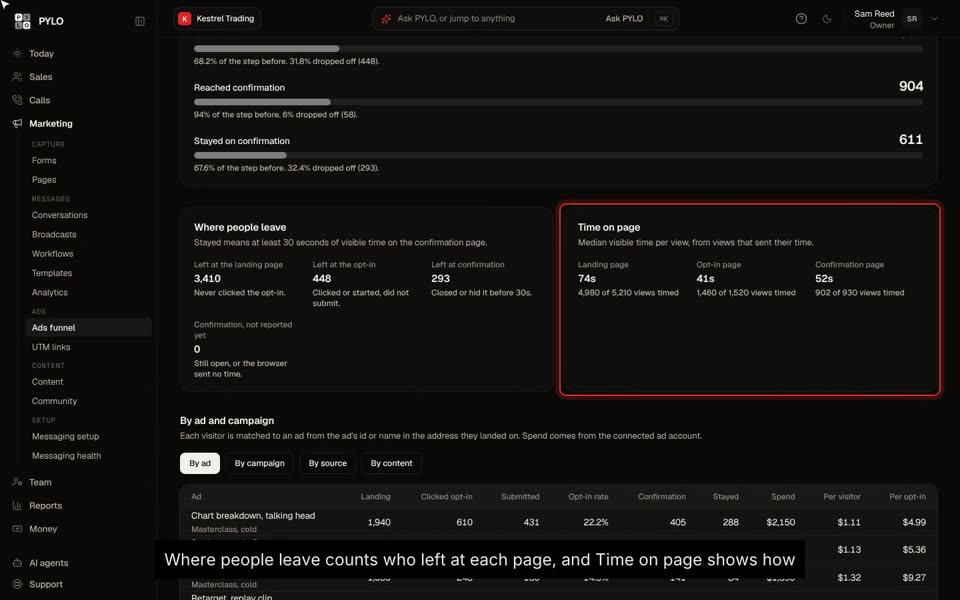 Track your ads funnelSee where people drop off between the ad and the opt-in, and which ads bring opt-ins cheapest.